

Are you struggling to get WiFi but don’t have a router? Maybe you’re in a place without one, or your router just stopped working.
Don’t worry—you can still connect to the internet. Imagine streaming your favorite shows, working on important projects, or staying in touch with friends without needing a router at all. You’ll discover simple, practical ways to get WiFi without a router.
Keep reading, and by the end, you’ll have easy solutions that anyone can use. Your internet connection is closer than you think.

Credit: www.youtube.com
Alternative Ways To Access Wifi
Accessing wifi without a router is easier than many think. Several options let you connect to the internet quickly. These alternative ways suit different needs and situations. Choose the one that fits your device and location.
Using Mobile Hotspots
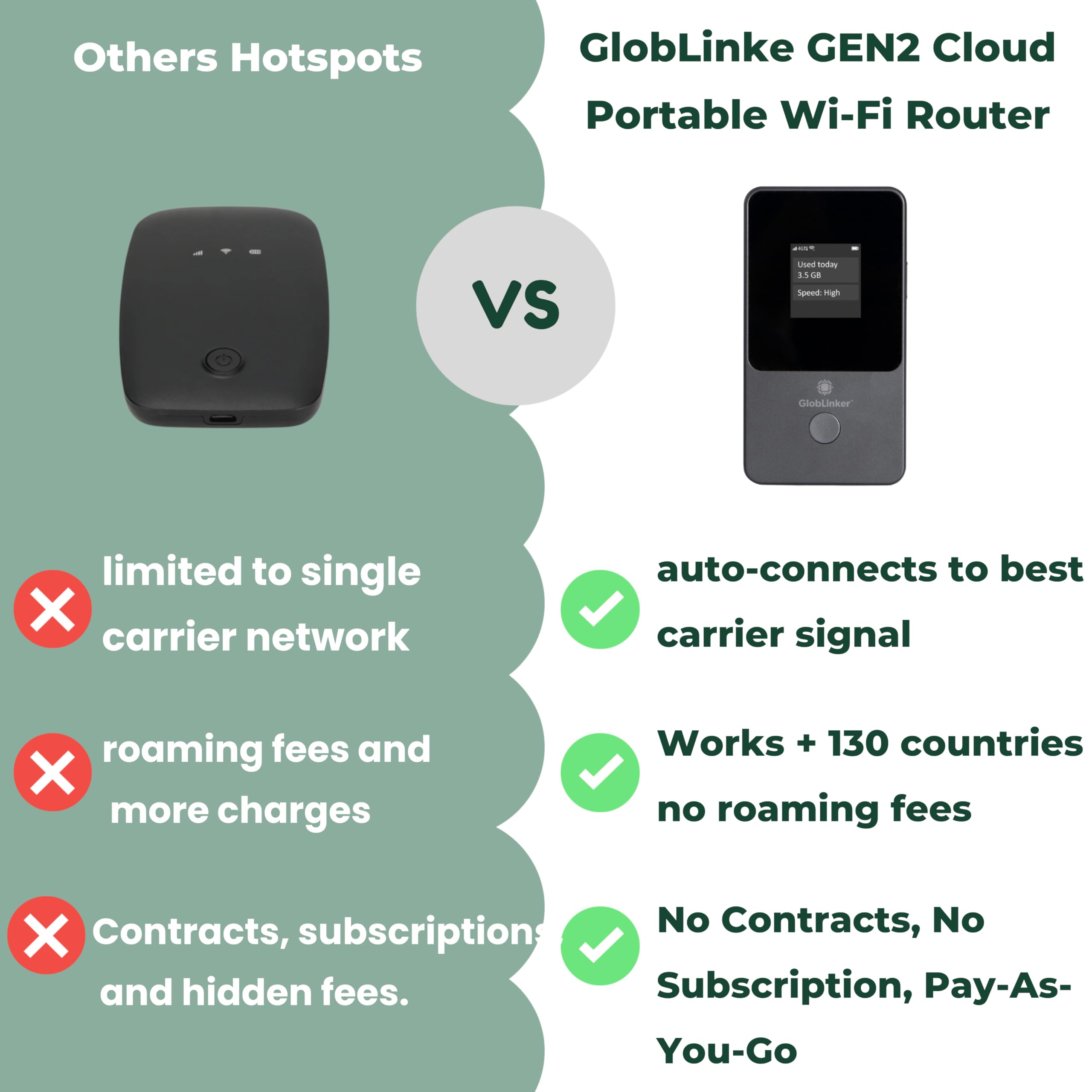
Mobile hotspots are small devices that share cellular data as wifi. They create a private network for your devices. Mobile hotspots work anywhere with cellular service. They often provide faster speeds than public wifi. Some smartphones can act as hotspots too.
Tethering From Smartphones
Tethering lets your phone share its internet with other devices. Connect via wifi, USB, or Bluetooth. It uses your phone’s data plan to give internet access. Many phones have easy tethering options in settings. It’s handy when no other wifi is available.
Public Wifi Networks
Public wifi is common in cafes, libraries, and airports. These networks are free or low-cost to use. Public wifi can help in urgent internet needs. Always use a VPN for safety on public networks. Check network names carefully to avoid fake hotspots.

Credit: m.youtube.com
Setting Up A Wifi Network Without A Router
Setting up a WiFi network without a traditional router is not only possible but can be surprisingly straightforward. Whether you’re in a pinch or looking to create a temporary network, various devices and technologies can step in to share internet access. Understanding these alternatives can save you time and keep you connected even when a router is not available.
Using A Laptop As A Wifi Hotspot
Your laptop can become a powerful tool to share internet access. Most modern laptops have built-in features to create a WiFi hotspot using either a wired Ethernet connection or a cellular data dongle.
To set this up, go to your laptop’s network settings and look for the option to create a mobile hotspot. Once enabled, your laptop broadcasts a WiFi signal that other devices can connect to just like a router.
This is especially useful during travel or when your router fails unexpectedly. Have you ever shared your laptop’s connection with a friend during a trip? It’s a quick fix that works well for a small group of devices.
Connecting Through A Usb Modem
A USB modem can provide internet access directly to your device without needing a router. These modems use a SIM card and cellular network to deliver data and can be plugged into laptops or even some smart TVs.
After plugging in the USB modem, your device typically detects it automatically and connects to the internet. You can then share this connection by enabling a hotspot on your laptop or another device.
This approach is ideal if you have a strong cellular signal but no WiFi router. It raises an interesting question: how often do you rely on cellular data when WiFi isn’t available?
Utilizing Wifi Direct Technology
Wifi Direct allows devices to connect directly to each other without a traditional access point or router. Think of it as a peer-to-peer network where devices communicate directly.
Many modern smartphones, printers, and smart devices support Wifi Direct, making it easy to share files or stream content wirelessly. You just need to enable Wifi Direct on both devices and pair them.
This technology is perfect for quick, local connections, but it’s not designed for internet sharing. Have you tried Wifi Direct to connect devices without a router? It might surprise you how convenient it can be.
Tools And Devices To Boost Connectivity
Boosting your WiFi connectivity without a traditional router is easier with the right tools. These devices help extend your internet signal or create new network points. They improve coverage and reduce dead zones in your home or office.
Understanding these tools can help you make better choices to stay connected. Here are some effective devices that work well without a standard router setup.
Portable Wifi Extenders
Portable WiFi extenders catch your existing WiFi signal and repeat it. They increase the range without needing extra cables. These devices are small and easy to carry for travel or temporary use.
- Plug into a power outlet near weak signal areas
- Boost signal strength for phones, tablets, and laptops
- Simple setup with app or button controls
Powerline Adapters
Powerline adapters use your home’s electrical wiring to carry internet data. They connect to your modem or main internet source and send the signal through power outlets. This method creates a wired or wireless access point in other rooms.
- No need for long Ethernet cables
- Reliable connection for streaming or gaming
- Easy plug-and-play setup
Mesh Network Alternatives
Mesh network systems use multiple devices to create one large WiFi network. Each device communicates with the others to spread the signal evenly. This option works well for bigger spaces or homes with many rooms.
- Seamless roaming without losing connection
- Automatic device switching to strongest node
- Simple management through mobile apps
Credit: www.amazon.com
Security Tips For Router-free Wifi
Using wifi without a router can be convenient but carries security risks. Protecting your data and privacy is crucial. Follow simple security tips to stay safe on router-free wifi connections.
Securing Mobile Hotspots
Mobile hotspots provide internet without a router but need strong protection. Always set a strong password for your hotspot. Avoid using default or easy-to-guess passwords. Turn off the hotspot when not in use to reduce exposure. Update your device’s software regularly to fix security bugs. Limit the number of connected devices to keep control over your network.
Safe Use Of Public Networks
Public wifi networks are often unsecured. Avoid accessing sensitive sites like banking or shopping on public wifi. Use websites with HTTPS for safer browsing. Turn off file sharing and network discovery on your device. Keep your device’s firewall enabled to block unwanted access. Disconnect from public networks when you finish your session.
Vpns For Privacy Protection
VPNs create a secure tunnel for your internet traffic. They hide your IP address and encrypt your data. Use a trusted VPN service to protect your privacy on any wifi network. VPNs help prevent hackers from spying on your connection. Choose VPNs with no-logs policies to keep your data safe. Activate the VPN before connecting to any router-free wifi.
Troubleshooting Common Issues
Troubleshooting common issues is key when trying to get WiFi without a router. Many problems can stop your device from connecting or slow down your internet. Knowing how to fix these issues helps keep your connection steady and fast.
Simple checks can save time and frustration. Sometimes, small changes improve your WiFi experience a lot. Learn to spot and solve common problems to enjoy smooth internet access.
Connectivity Problems
- Check if your device’s WiFi is turned on.
- Make sure you are near a WiFi hotspot or mobile hotspot.
- Restart your device to refresh network settings.
- Forget and reconnect to the WiFi network.
- Look for interference from other devices like microwaves or cordless phones.
- Ensure your hotspot or shared connection has internet access.
Speed And Performance Tips
- Close apps or tabs that use a lot of data.
- Limit the number of devices connected to the hotspot.
- Move closer to the hotspot for a stronger signal.
- Use 5 GHz WiFi if available for faster speeds.
- Test your connection speed with free online tools.
- Restart the hotspot device to clear temporary issues.
Device Compatibility
- Check if your device supports the WiFi frequency of the hotspot.
- Update your device’s software and drivers regularly.
- Verify the hotspot uses common security settings like WPA2.
- Confirm your device can connect to public or shared networks.
- Try connecting with another device to rule out device issues.
Frequently Asked Questions
How Can I Get Wifi Without Using A Router?
You can get WiFi without a router by using a mobile hotspot, tethering from your smartphone, or connecting to public WiFi networks. These methods share internet connections without needing a traditional router device, offering flexible internet access for your devices.
Can I Use My Phone As A Wifi Hotspot?
Yes, most smartphones allow you to create a WiFi hotspot. This feature shares your mobile data connection with other devices. Simply enable hotspot mode in your phone’s settings, and nearby devices can connect to the internet via your phone’s cellular data.
What Devices Can Provide Wifi Without A Router?
Devices like mobile hotspots, USB modems, or smartphones with hotspot capabilities can provide WiFi without a router. These gadgets connect to cellular networks and share internet access through WiFi, making them ideal for on-the-go or temporary internet solutions.
Is It Safe To Use Public Wifi Without A Router?
Using public WiFi without a router is convenient but risky. Public networks are often unsecured, making your data vulnerable. Always use a VPN and avoid accessing sensitive information to protect your privacy when connecting to public WiFi hotspots.
Conclusion
Getting wifi without a router is possible with simple tools. Mobile hotspots and USB tethering work well for many users. Public wifi spots can also help when you are outside. Remember to stay safe by avoiding unknown networks. These options let you connect without buying extra devices.
Try these easy methods to enjoy internet access anywhere. Stay connected, stay informed, and use the internet your way.